




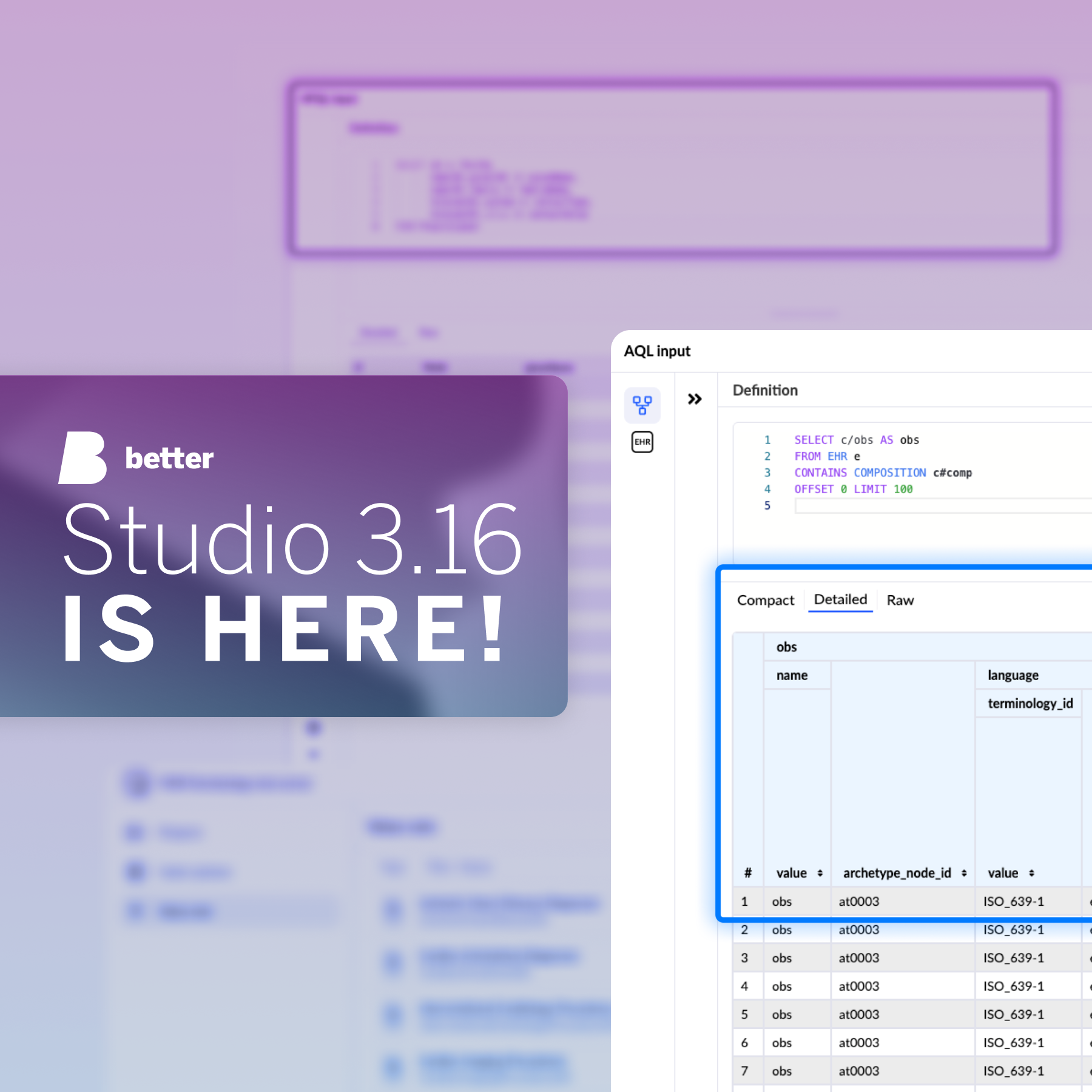
Better Studio 3.16 introduces the Terminology editor, a FHIR-based tool for managing code systems and value sets inside Studio, alongside two ETL upgrades: the HFQL editor for Demographics Server queries, and automatic expansion of structured openEHR data types in mapping.
Over the past year, we have collaborated closely with the teams who rely on Better Studio daily, including implementation engineers, clinical informaticians, and terminology specialists. Through these discussions, two distinct operational bottlenecks emerged.
First, managing clinical terminology still meant leaving Studio. Value sets and code systems lived in external tooling, sometimes complex spreadsheets and data repositories. Wiring them back into Studio added friction, version risk, and context-switching that slowed projects down.
Second, ETL was a welcome and much anticipated addition to Studio, but users wanted better Demographics Server support and structured openEHR data values that did not require manual workarounds in the mapping step.
Studio 3.16 addresses both challenges directly, optimising your workflow and minimising manual overhead. Keep reading to find out what is new.
Terminology editor is here
Healthcare applications are only as good as the terminology that underpins them. When a coded observation uses the wrong concept, or a value set is defined inconsistently across projects, the clinical logic built on top of it could not be trusted.
Defining and maintaining those resources has always required separate tooling, outside Studio. A terminology specialist would author a code system in a FHIR terminology tool, structure the hierarchy, define the valid subsets, and then the implementation team would wire it into Studio from the outside. Two environments, two workflows, no shared context.
Terminology editor is our response to that. It’s a new FHIR-based, Studio-level tool for managing clinical terminology resources. Terminology authors, clinical informaticists, and implementation teams can now build and maintain code systems and value sets, without stepping outside the Studio environment.
Within Code system, you create concepts and structure them within a meaningful hierarchy. You can define properties (structured metadata attached to each concept) and manage designations across multiple languages, so the same concept displays correctly whether clinical content is rendered in English, Dutch, German, or Spanish.
In Value set, you define which codes belong to a set using rule-based composition. Rules are hierarchy-aware: Add a new parenteral route to the code system and it is automatically included in any rule that covers that route type, without manually updating the list. Individual concepts can be added inline for exceptions. You can expand resolved outputs of your compositions, so you can confirm the right codes are returned before the value set reaches a live form.
Improvements to ETL
Research centres and university hospitals working with openEHR clinical data and FHIR demographic data have a common goal: Turning structured patient records into insights. ETL in Studio was built for exactly this purpose.
The tool joined Studio in the 3.15 release to assist users in defining and running data pipelines, without leaving your project environment. In Studio 3.16, we have expanded that capacity in two meaningful ways.
HFQL editor
With our latest Studio release, EHR Server (AQL) and Demographics Server (HFQL) are now both fully supported source connection types.
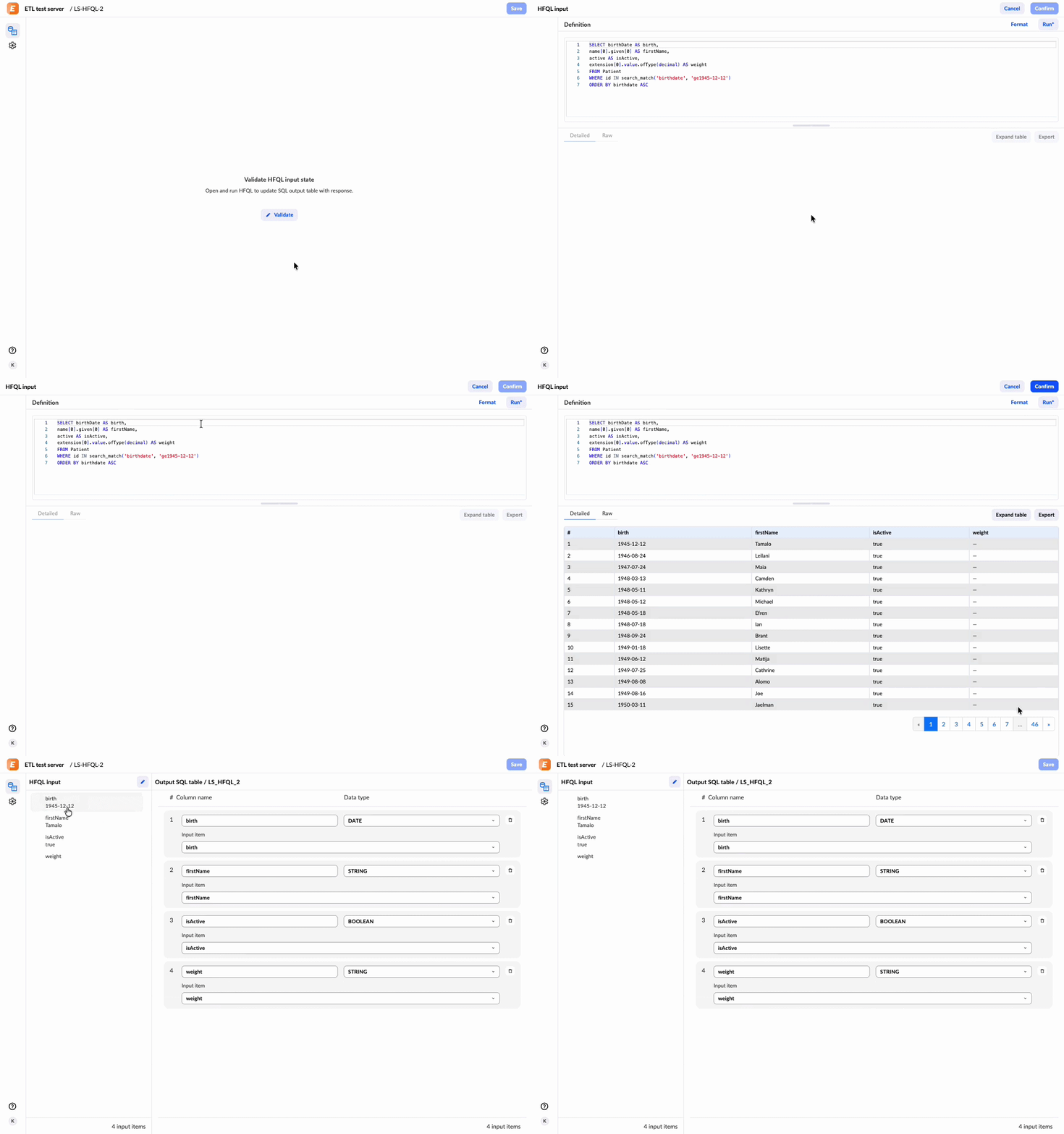
Jobs that connect to a Better Demographics Server can now be configured with the HFQL editor. It sits in the same position in the job configuration flow as the AQL input editor: Write your query, run it to review the results, and confirm to move to mapping. The response panel supports flat-structured results with detailed and raw views. Error messages and parameter handling follow the same patterns as the AQL flow. If you have already configured AQL jobs, the experience will feel familiar.
AQL nested results
openEHR stores clinical measurements as structured data types, not plain scalar values. A quantity carries both a magnitude and a unit. A coded observation carries both a display value and its terminology code. These data points are crucial for correct result validation.
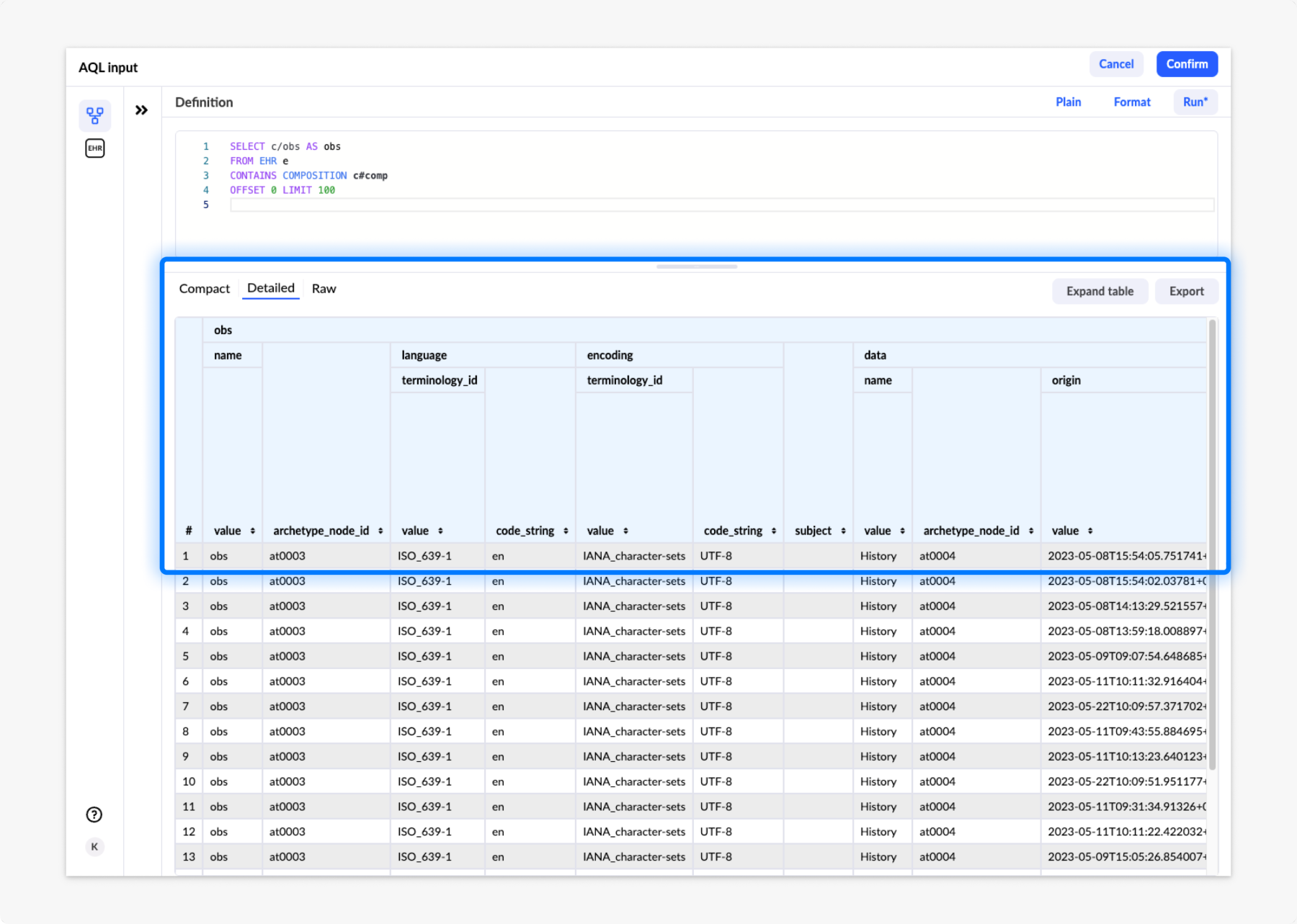
With Studio 3.16, when an AQL query returns these structured types in ETL, the mapping step automatically expands them, generating the relevant sub-field columns as soon as you confirm the AQL input. This is available for all standard openEHR data value types with no additional query rework required.
From conversation to release
Both changes follow the same principle that has shaped Studio development since the beginning: Close the gaps that users have to work around and do it in a way that fits inside the workflow they already have. That is what informed Terminology editor, and it is what informed the ETL improvements in 3.16.
“The Better Studio 3.16 release represents our continued commitment to provide the best possible solution for our enterprise users. Terminology management and strengthened ETL capabilities are what they needed most, making them our top priority on the 2026 roadmap. We will continue following this trajectory in future releases.”
— Benjamin Muhič, Better Studio Product Director
If you want to see how Terminology editor and ETL work in Studio 3.16, check out the recording of our Better Studio show & tell session covering all the newly launched features and improvements.
As always, the full list of changes, bug fixes, and improvements is in the release notes.