




The best tools don’t just add features; they disappear into your workflow. With the launch of Better Studio 3.15, we’ve moved beyond incremental updates to deliver a more intuitive, secure, and integrated building environment.
This April, several long-term milestones have converged to transform your experience. We’ve paired a brand-new data integration tool with a redesigned Studio interface and a high-performance rendering engine, all powered by Better Design System. With the addition of two-factor authentication, a rebuilt documentation library, and flexible grid layouts in Form builder, 3.15 ensures that your focus remains on building great healthcare solutions, not managing your tools.
Here is everything you need to know about the Better Studio 3.15 release.
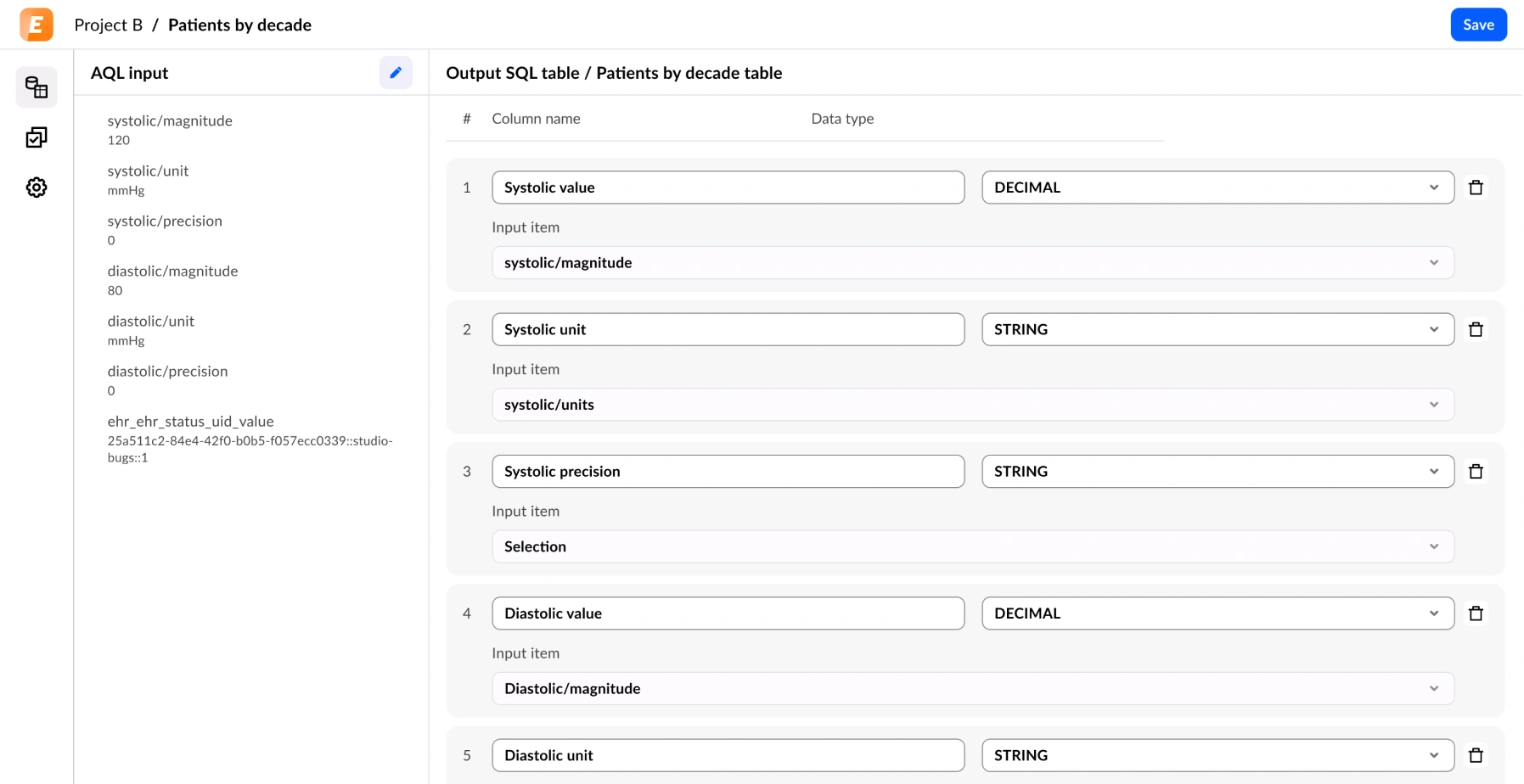
Better Studio now includes native data pipeline tooling (ETL)
Clinical data does not live in one place. A hospital might have lab results in one system, medication records in another, and patient-reported outcomes stored somewhere else entirely. When teams need to bring that data together, they must step outside their development environment.
This means switching between tools, managing separate pipeline configurations, and keeping track of how data moves across systems without a shared view of the process. For developers already working inside Studio, it is an unnecessary interruption to an otherwise contained workflow.
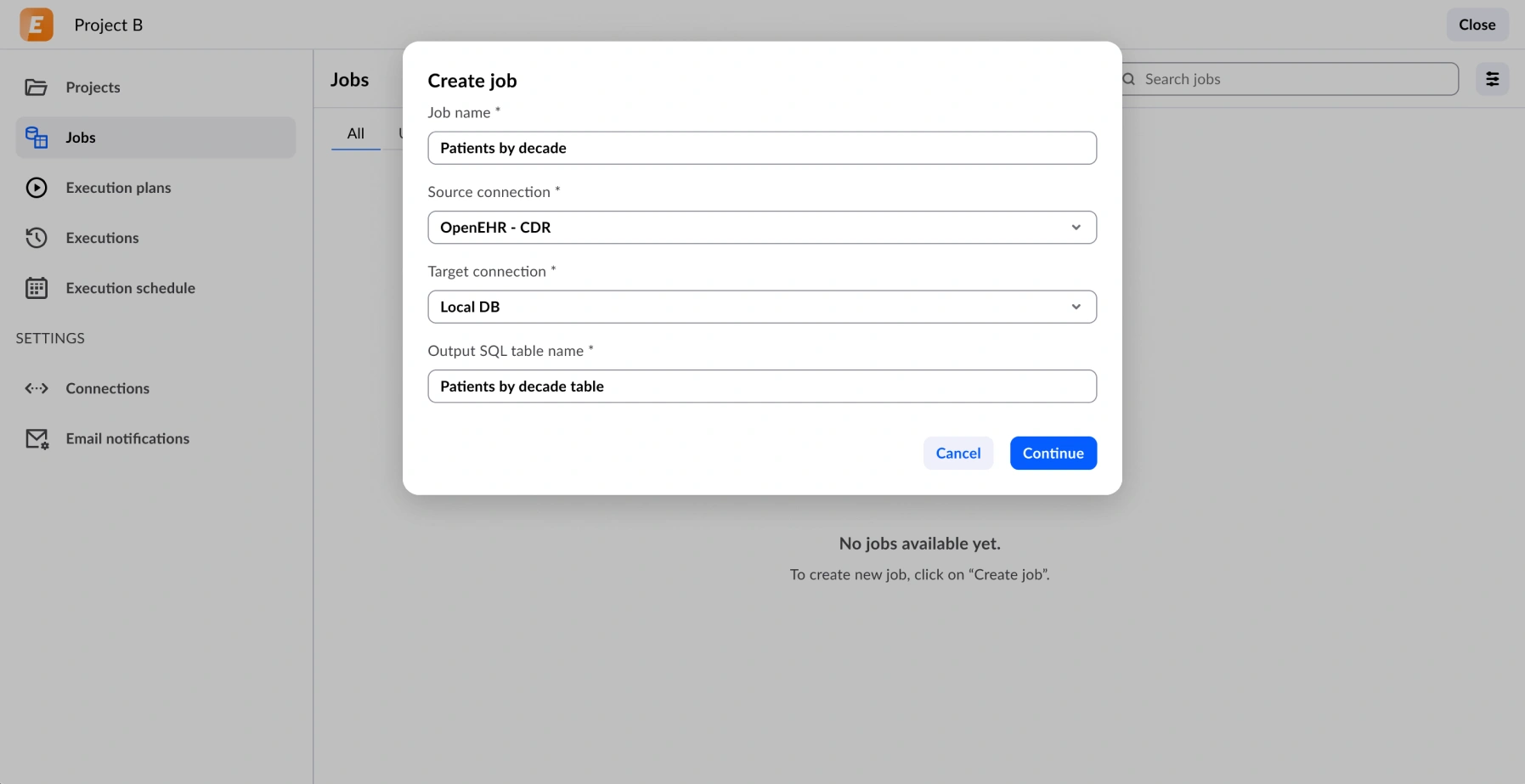
Extract, transform, load (ETL) is now available directly inside Studio. For teams that need to move and reshape data as part of their clinical application workflows, this tool removes the need to step outside the Studio environment to configure pipelines.
From now on, you will be able to connect to a data source, define transformation rules, and load the output to a target, all without leaving your Studio environment. Your existing project connections and authorisation settings carry over, so there is no need to reconfigure what is already in place.
A redesigned navigation
As Studio has grown, so has the range of tools it contains. Form builder, AQL builder, Marketplace, Form playground, ETL, project settings, and more to come in future releases. Navigating between them has become a multi-step exercise for users who switch context frequently.
For new users, the learning curve has been steeper than it needed to be, with tools buried in menus that did not reflect how people actually work. For experienced users, small inefficiencies in the interface add up over the course of the day.
The Studio interface has been updated, and the navigation restructured to give you faster access to the tools you use most. The layout is cleaner and aligns with the Better Design System (BDS), giving Studio a more consistent look and feel across the platform. The changes are significant enough to notice, but your existing workflows and keyboard shortcuts are not affected.
Two-factor authentication
Healthcare applications handle some of the most sensitive data that exists. A single compromised Studio account can expose patient records, configuration settings, and access to connected EHR servers.
For organisations operating under strict information governance requirements (NHS Digital standards, GDPR, and similar frameworks) the absence of 2FA has been a compliance gap that required workarounds.
From 22 April, Studio supports two-factor authentication. With supported three authenticator apps, a straightforward setup for users is possible across different devices and preferences.
It is a small step for each individual user, and a meaningful improvement to the security baseline for every team using Studio.

Form Renderer 3.15 moves to the Better Design System (BDS)
Clinical forms need to look right. When a clinician is entering data under time pressure and a form that behaves inconsistently or presents information unclearly, it can create friction.
Before this release, Form renderer used MRD-based components to render inputs. These components were functional, but they did not share a consistent visual language, and the clinical theme did not always hold together across different field types and screen sizes.
Teams building applications for clinical environments found themselves spending extra time on styling and working around rendering edge cases rather than focusing on the clinical logic of their forms.
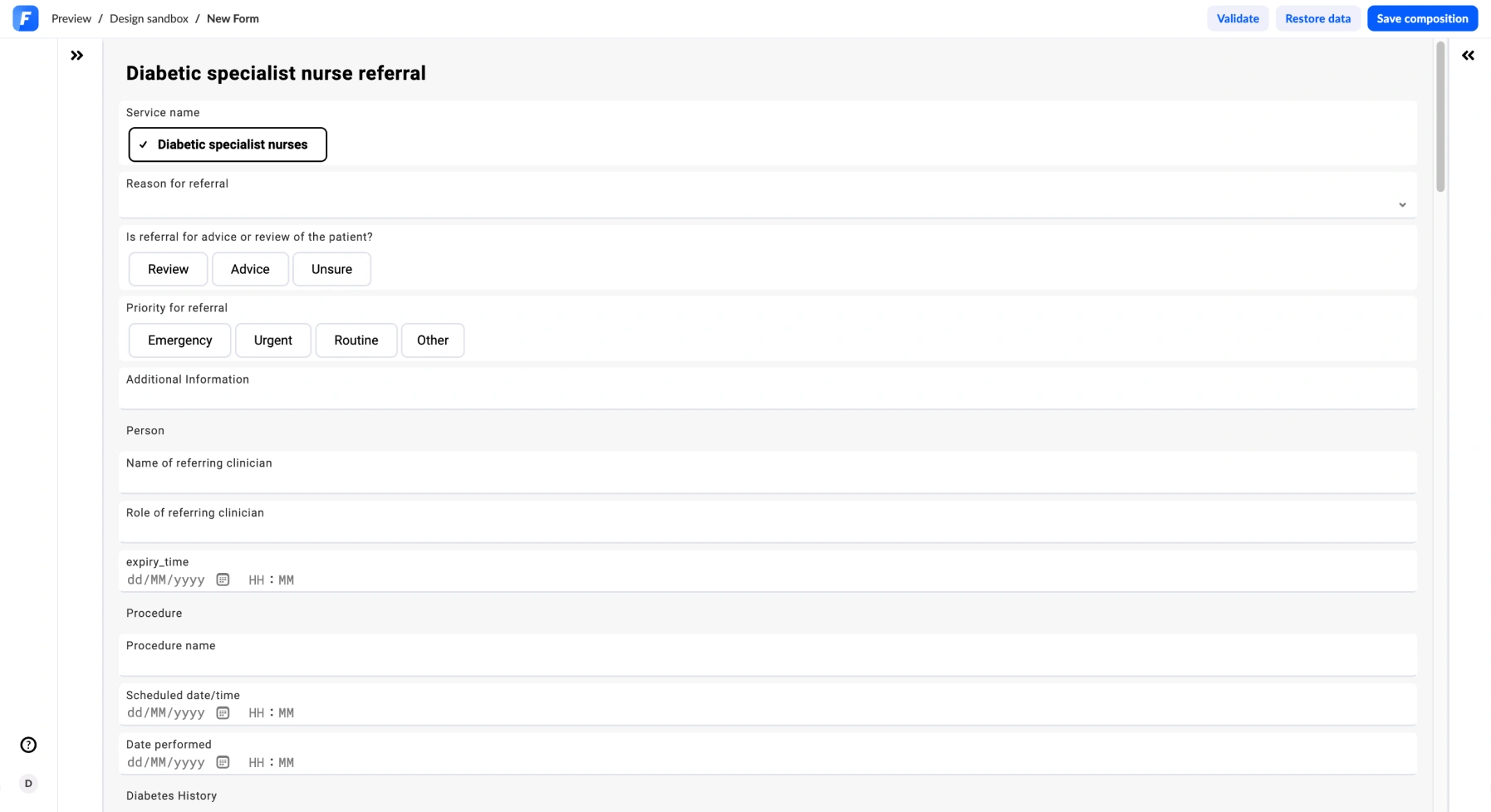
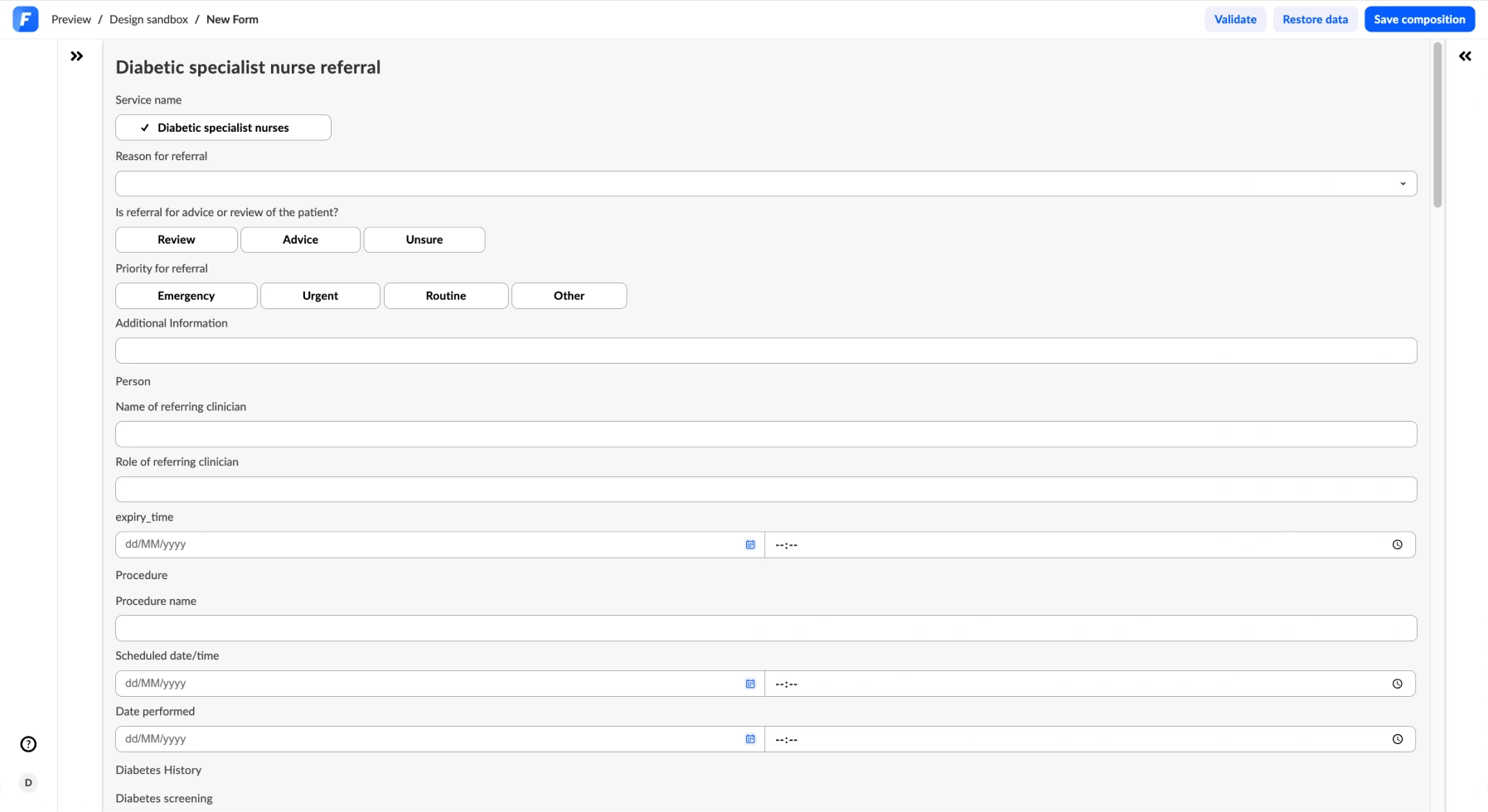
Form Renderer 3.15 replaces the previous MRD-based input components with Better Design System (BDS) components across the board. Every input type like text, coded text, date/time, boolean, column list, and more, now renders using the Better Design System.
The result is a more consistent visual experience, better accessibility, and a clinical theme that holds together properly across form types and screen sizes.
This has been a significant piece of work. The team has addressed a long list of field-level issues as part of completing the BDS rollout.
If you use custom themes or style overrides, check out the migration notes in the documentation before upgrading.
Grid layout in Form builder
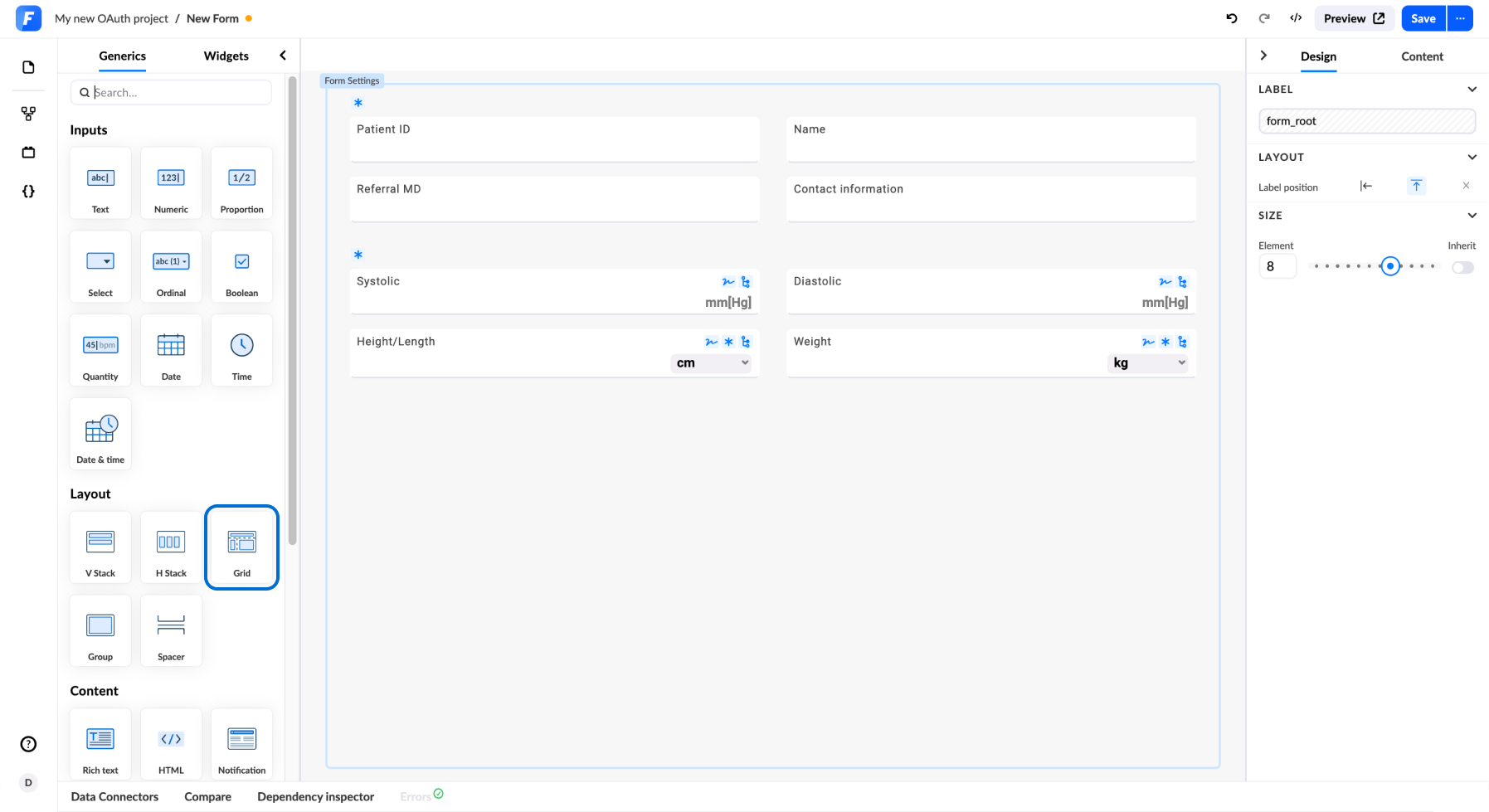
Clinical forms are rarely simple. A respiratory assessment might need to present peak flow, oxygen saturation, respiratory rate, and symptom checkboxes side by side. A patient intake form might need to show demographic fields in a compact two-column layout on a tablet, while remaining readable on a desktop browser.
Until now, achieving that kind of layout in Form builder required custom CSS, a reasonable option for developers, but an unnecessary barrier for teams who want precise control over presentation without stepping outside the low-code environment.
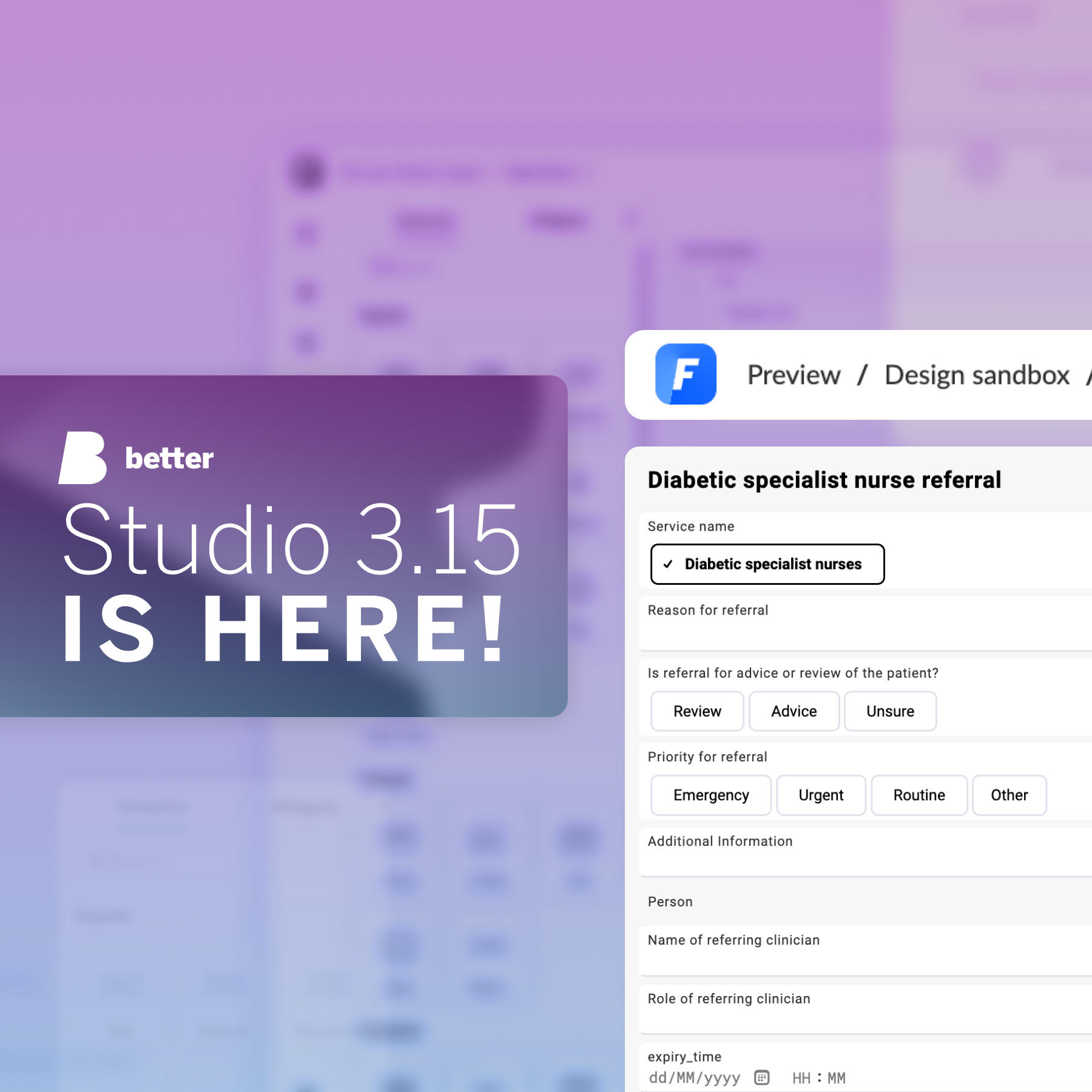
You can now arrange fields in a grid layout inside Form builder. The grid option sits alongside the existing stack-based layouts and gives you direct control over how fields are positioned across a form canvas. Forms using grid layout respond to different screen sizes without additional styling work.
A new documentation site
Good documentation is part of the product. When a developer is building their first form or configuring an AQL view for the first time, the quality of the documentation they can find directly affects how quickly they can get it done and whether they get it right.
The previous Better Studio knowledge base had grown organically across several years and several versions of the product. Coverage was uneven, some sections were out of date, and the structure did not reflect how users actually move through the Studio toolset. Finding a specific answer meant a lot of browsing, and the search experience rarely got you there directly.
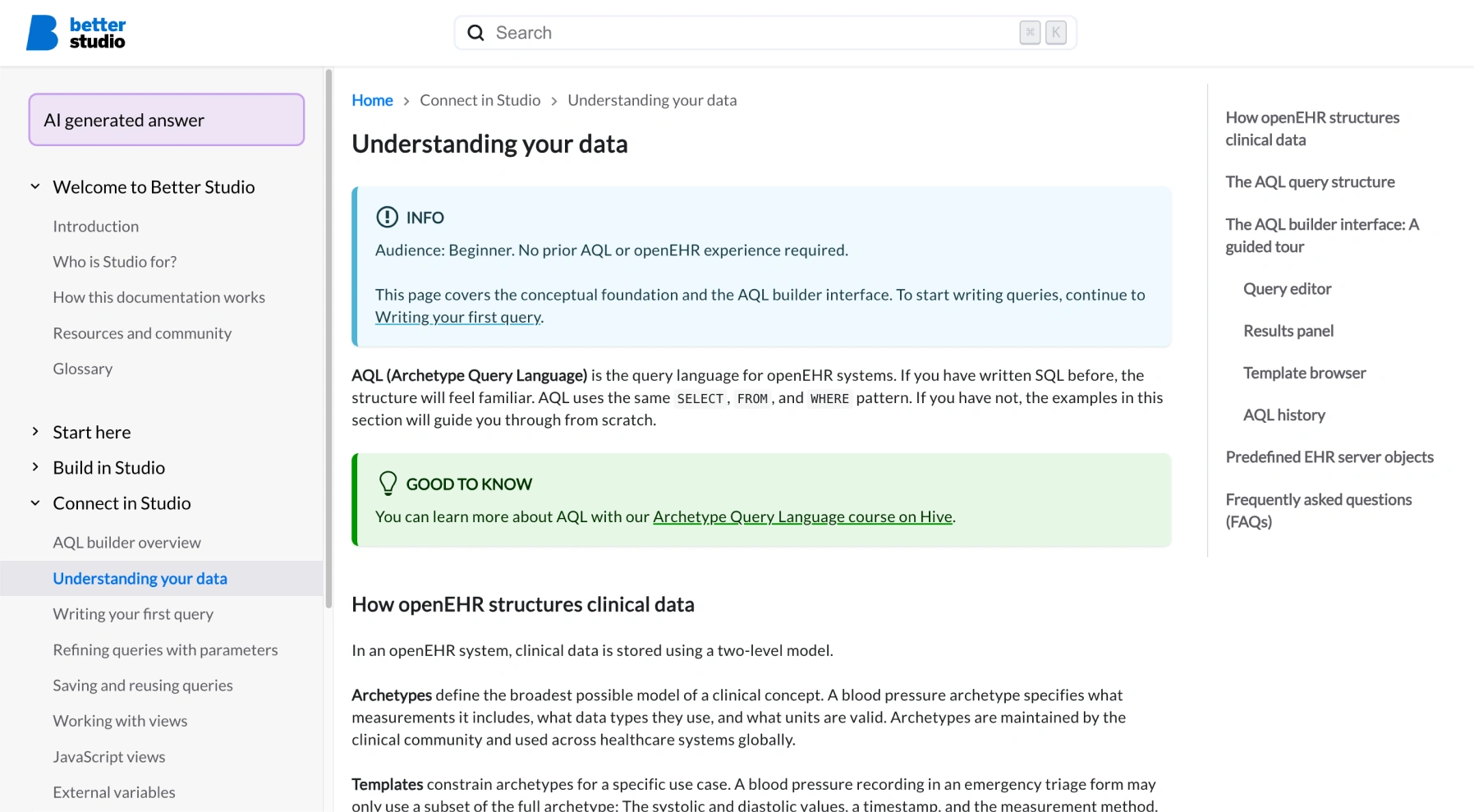
The Better Studio documentation has been completely rebuilt. The new site covers the full Studio suite with consistent structure, clearer navigation, and improved search. AI-assisted answers are available throughout, with better quality responses.
More to come in 2026
This release is massive for Better Studio, and we could not be prouder to share it with our users.
“This release reflects the breadth of what our users are asking for. Security, consistency, layout control, better documentation: These are the foundations that make building in Studio sustainable and accessible. And with ETL now part of the toolset, we are opening up a new category of work that teams can do without leaving their environment. That is the direction we are heading.”
— Benjamin Muhič, Better Studio Product Director
We’re excited for what the future will bring to Studio and hope our users will find these current updates exciting and motivating.
Ready to explore Better Studio 3.15? Check out the full release notes below.