
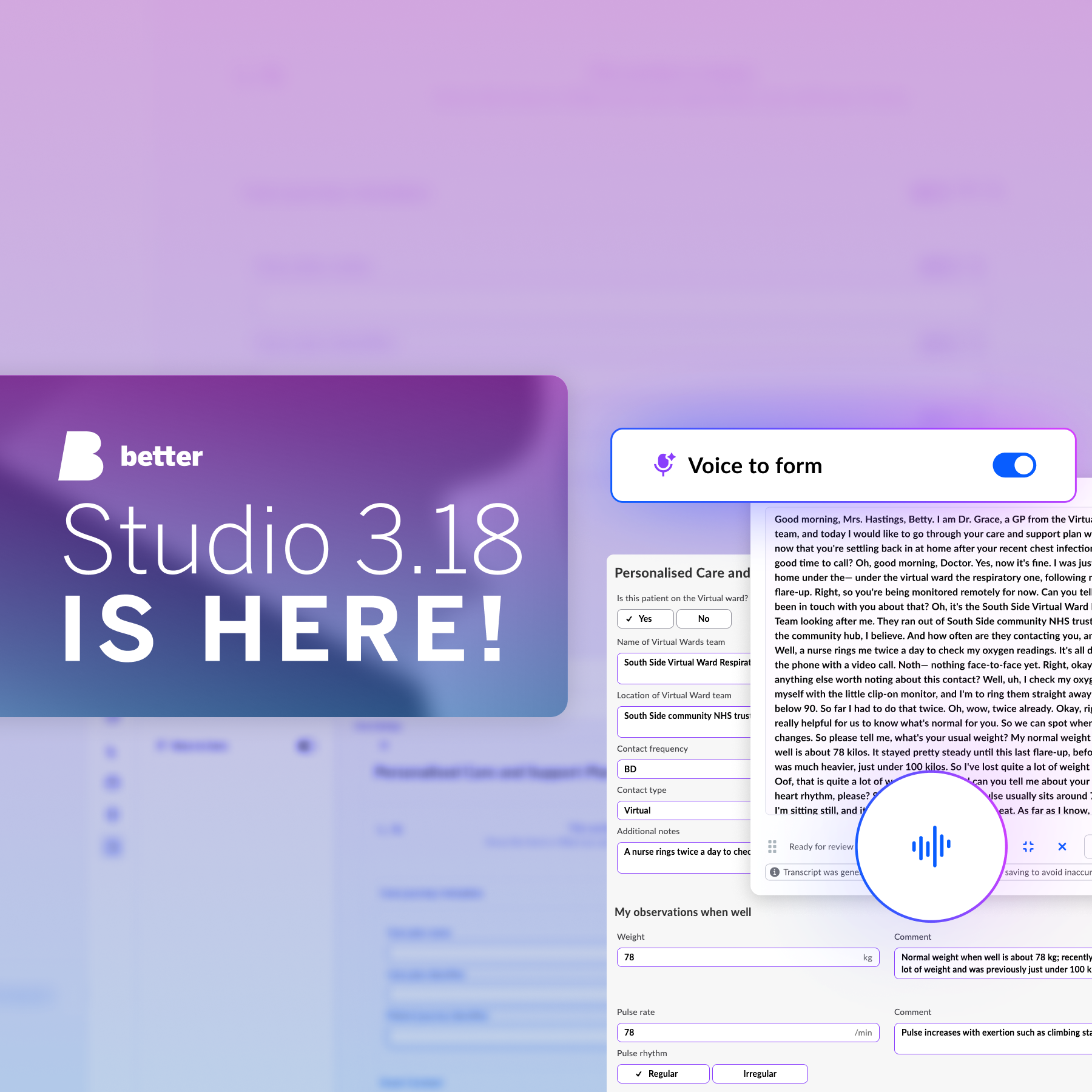
Clinicians should not have to manually re-enter and structure information they have already said out loud, just to get it into a clinical form. Better Studio 3.18 addresses this by introducing Voice to form, a new AI-enabled Form builder plugin that maps spoken clinical information into structured form fields. Alongside Voice to form, the release improves Bea, the AI assistant in AQL builder, and provides further interface, stability, and performance improvements across all Studio tools.
Voice to form in Form builder
Voice to form, previously shown in our proof-of-concept content as Speech2Form, is a plugin available to Studio users in Form builder. You can add Voice to form to a clinical form, configure it, connect it to your chosen AI services, and publish as usual. The clinician using that form can then speak instead of typing.
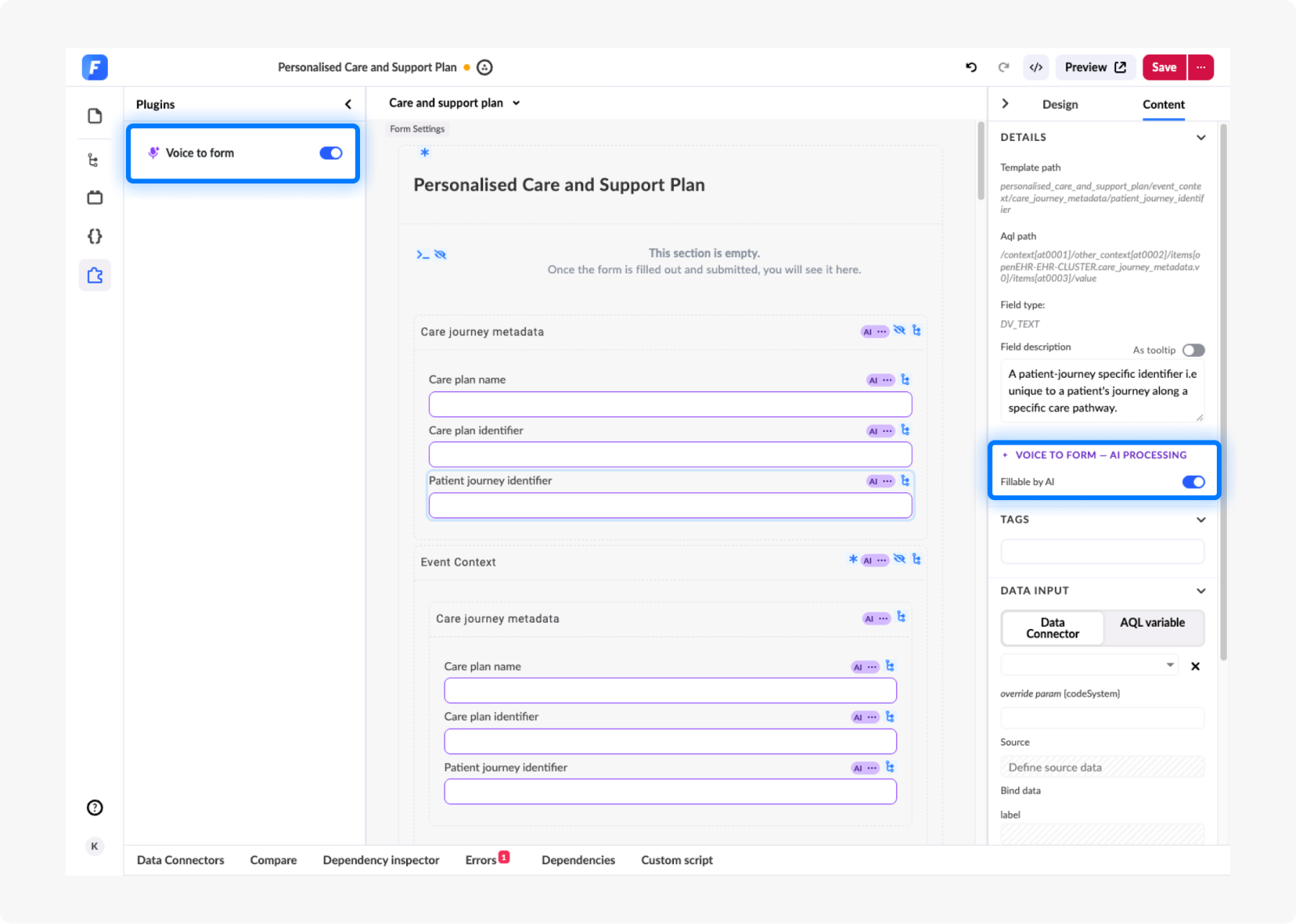
There are two ways to work with Voice to form:
- Dictation: The clinician dictates the information they want to capture, such as measurements, referral findings, patient-reported information, diagnoses, and plans. The Voice to form plugin produces a transcript that can be freely edited and reviewed by the clinician before clicking on “Fill form”. This action then leads to all the relevant information being mapped directly onto the clinical form they are filling out.
- Ambient scribing: Voice to form captures the consultation as it happens, producing the transcript and populating the clinical form at the same time. Editing here is possible via voice corrections, rather than manual typing, deleting, and editing of field inputs.
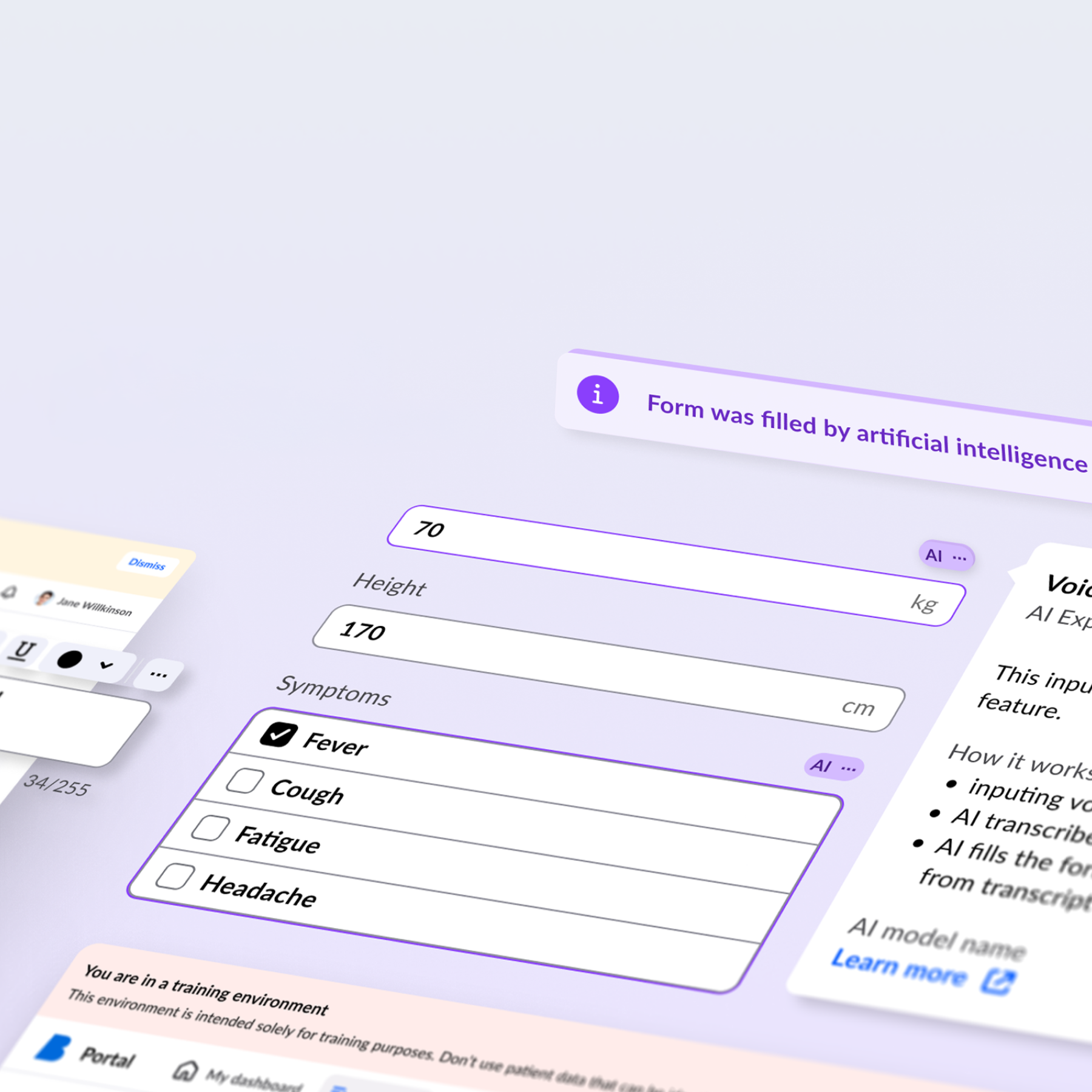
Every field that Voice to form fills is marked with the BDS magic variant, the visual state we introduced in Better Design System 2.3.0 to highlight AI-generated and AI-assisted content. You also decide what the AI may touch at all: generic input fields carry an AI processing setting, so anything that must be entered deliberately by a person can be marked as non-AI-fillable.
Once the clinician submits the form, it goes through the standard submission flow like any other clinical content built in Studio.
Your AI services, your data path
Voice to form is an AI-enabled feature, which means it connects to AI services you choose and control. With this release, we provide out of the box support for Soniox and Azure. In future releases, we aim to expand the list of supported AI services based on user feedback and input.
This matters because consultation audio can contain highly sensitive health information. Information governance teams need to know where that audio is processed, which providers handle it, and under which agreements, considerations also highlighted in NHS England’s guidance for AI-enabled ambient scribing. By letting organisations choose the AI services connected to Voice to form, Studio gives them more control over that part of the data path.
“Voice to form has a clear market differentiator compared to other transcript and ambient scribing solutions, as it can map structured clinical data onto openEHR templates. This advantage is crucial for our users, who create content on top of openEHR and use it in many clinical settings out there. We will continue to expand the list of AI services we can connect to as we go, while listening carefully to what our users want and need.”
— Kseniia Kravets, Better Studio Product Manager
More improvements across Studio 3.18
Studio 3.18 also brings improvements across the wider product. ETL job configuration is now portable between environments, Form builder notifies you when a newer version of a form is available, and performance has improved when loading templates and opening the history of forms with many versions. We’ve improved Bea, our AI assistant in AQL builder, which is now able to help you with JS views, even if your Studio setup is connected to an EHR server version lower than 4.x. The release also includes fixes and interface improvements across Form builder, Form renderer, AQL builder, ETL, Form playground, and Preview.
You can find the complete list of changes, fixes, and improvements in the Studio 3.18 release notes here. You can also register for the Better Studio Show & tell on 29 September to see Voice to form in action.